
Sell Tickets
Smoothly sell your event tickets and distribute them amongst your attendees digitally. The Sell ticket plugin is all you need to accelerate your ticket sales and maximize your profit without any additional ticket processing charges.

 1 year of support
Add-on Requirements
 Registrations
Features You'll Love
Sell your event tickets efficiently with the Sell Tickets plugin.

WooCommerce
Get 100+ ironclad, secure payment gateways with sell tickets and WooCommerce integration.
Multilevel pricing
Experience the advantages of multilevel pricing and impose tax on your ticket prices anytime you want.

Track & Schedule tickets Sales
Sell and manage your tickets easily under the same roof.
Embrace well-organized ticketing system
Manage Ticket Sales With Sell Tickets
Add tickets
Ticket settings
Ticket details
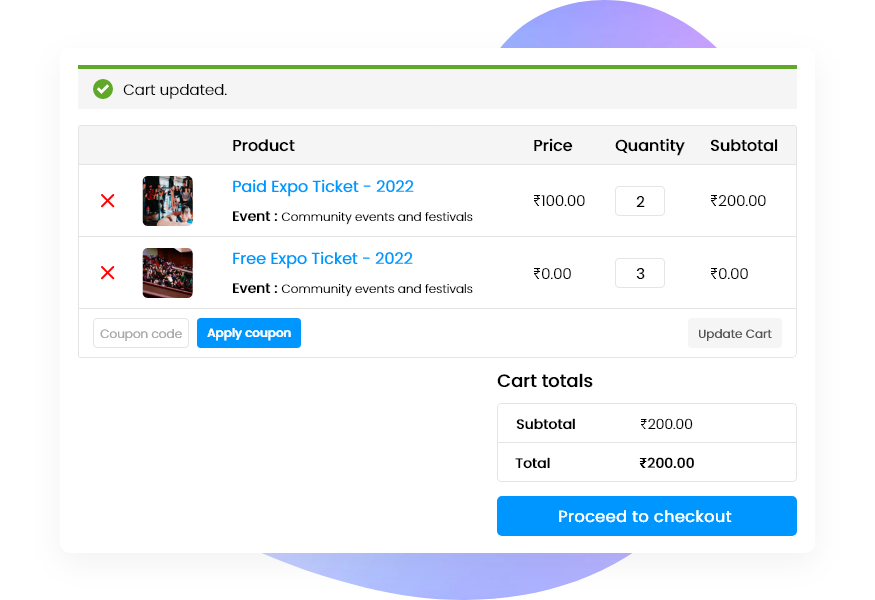
Purchase record
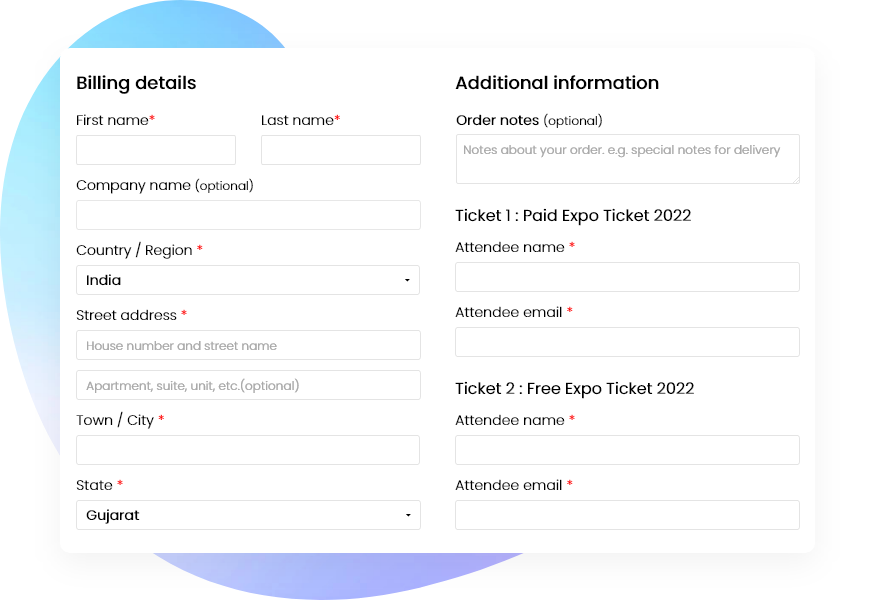
Ticket registration
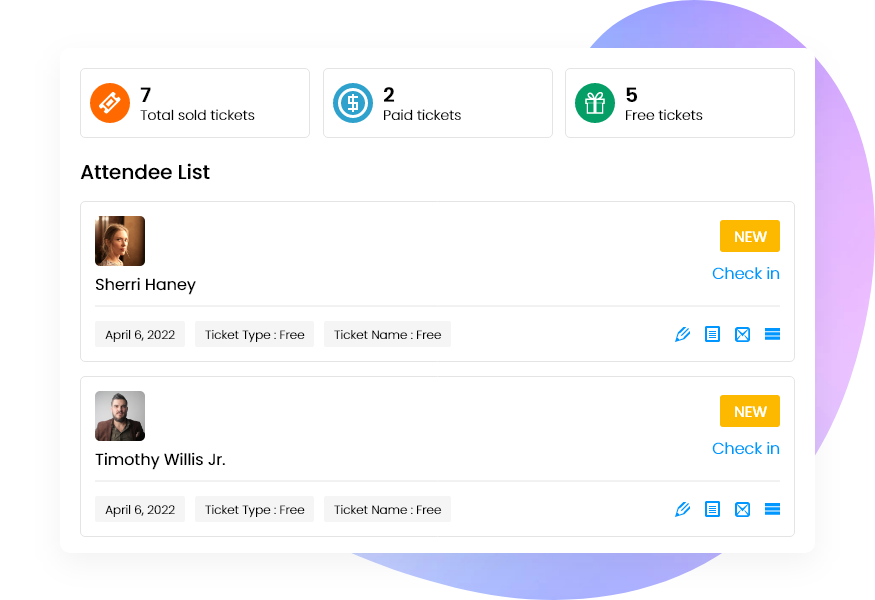
Registration dashboard
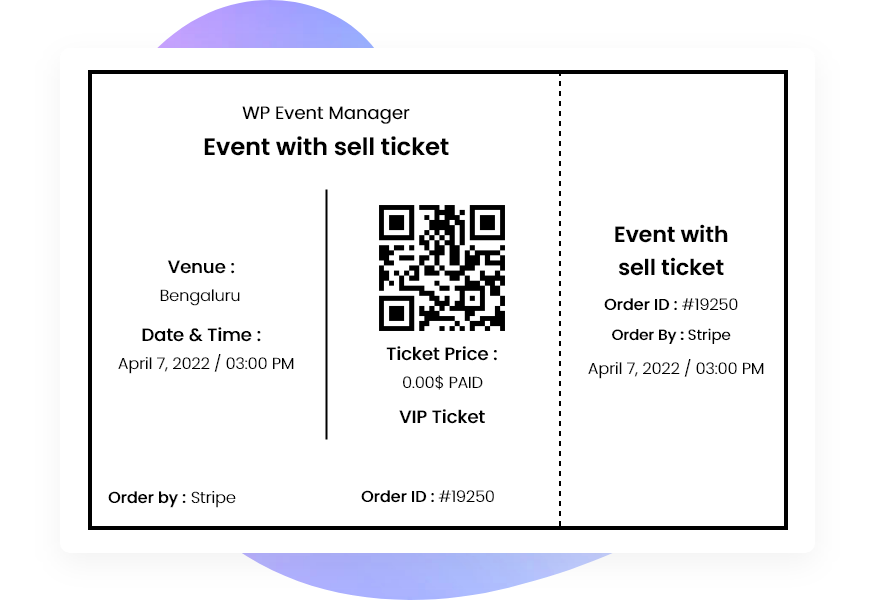
Digital tickets
Empowering Every Event
Make your events stand out with us.

Academics & Classes

NGO & Charities

Community

Virtual & Online Events

Concerts & Parties
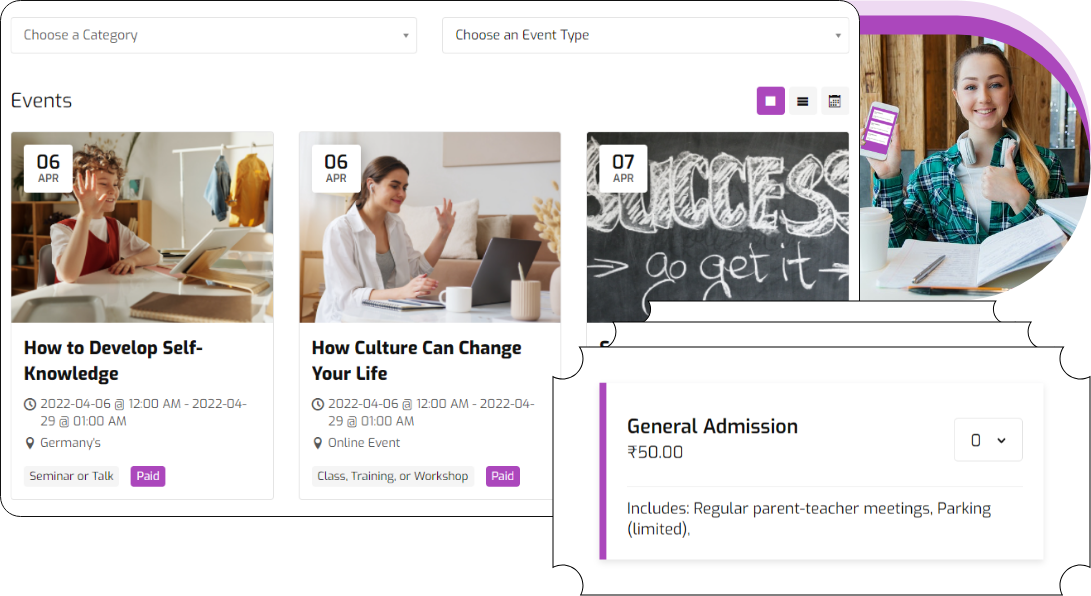
Sell tickets with ease for your various classes, school, college and university events
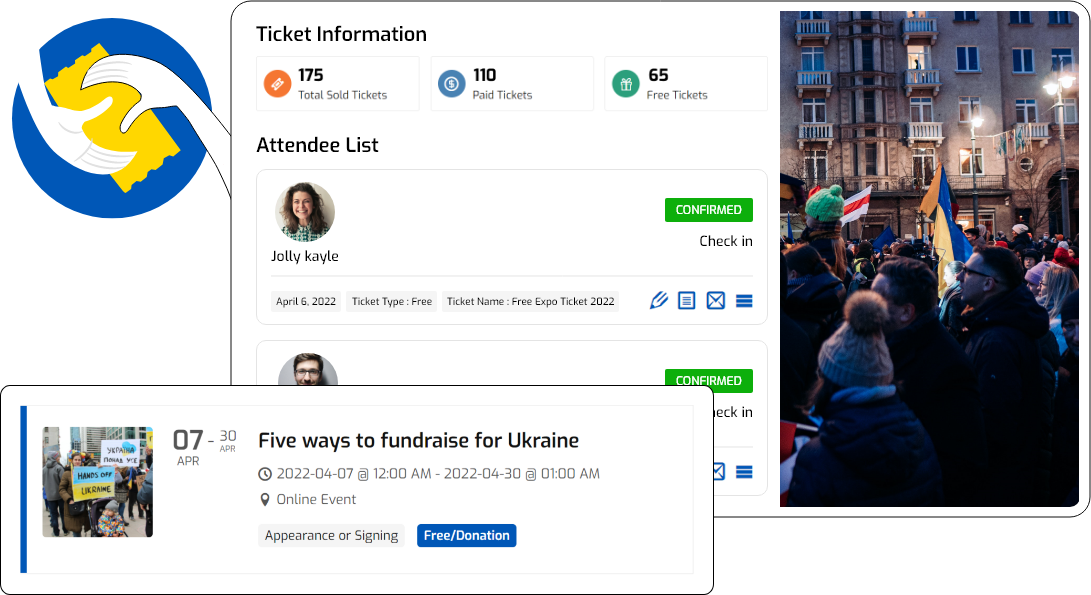
Reach more people for your NGO and charity events with Sell Tickets.
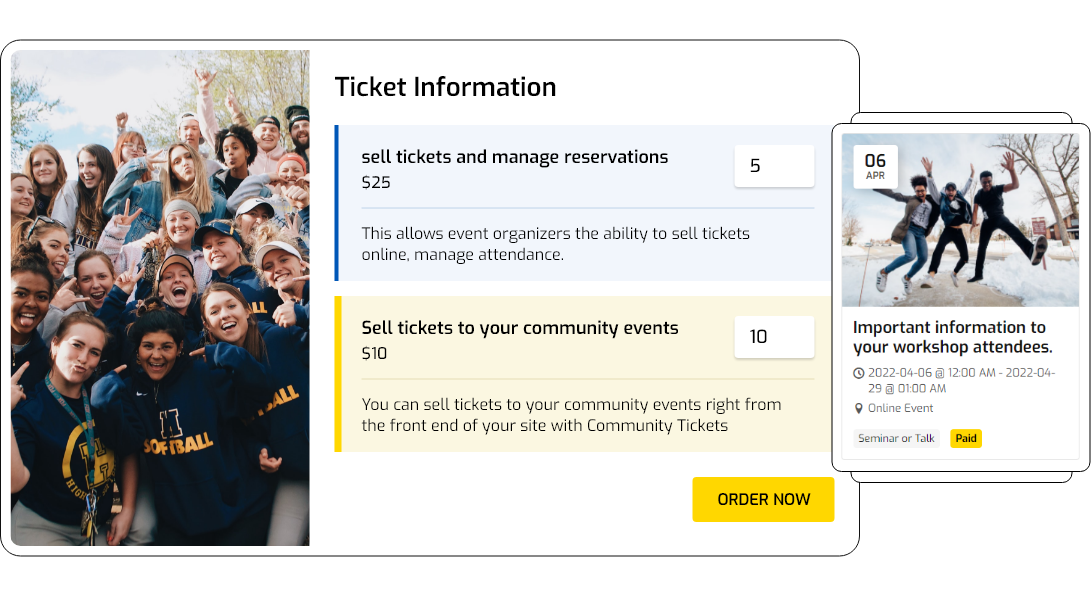
Control ticket sales for your community events with Sell Tickets.
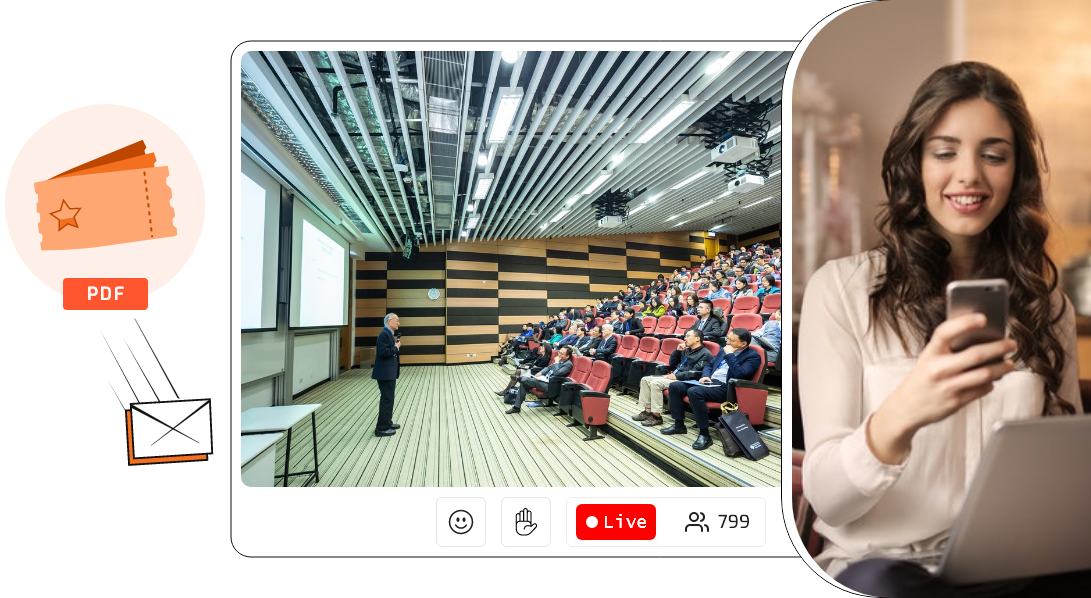
Let your event attendees download E-tickets for your events under the comfort of their home.
Sell tickets for concerts and parties efficiently and make such events successful.

Sell Tickets Features
Sell tickets using the combined strength of WooCommerce and the Sell tickets plugin.

Offer various types of tickets including paid, free and donation based to attract more attendees to your event.
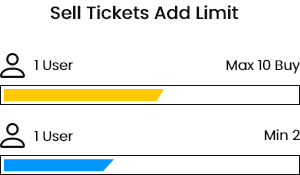
Set the maximum limit for your ticket sales and prevent overselling.

Maintain a transparent relationship with your attendees by allowing them to see the number of available tickets with automatic ticket counting facility.

Sell tickets directly on your website and send the tickets in PDF form to your attendees via email.
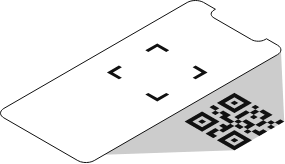
Let organizers manage attendee check-ins through QR code and have a better event management experience.
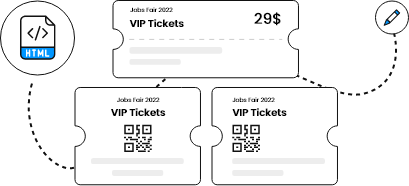
Add your preferred designs to your event tickets by selecting a ticket template from our collection or make your own template through HTML code.

Send a confirmation message via email to each of your attendees once they purchase event tickets

Encourage your visitors to buy your event tickets by offering them amazing discounts coupons.
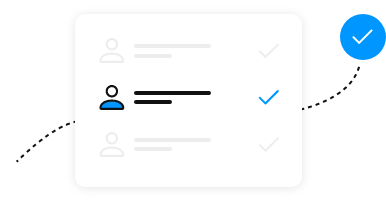
Let your attendees register for an event at the time of ticket purchasing and customize the registration form field as per the event requirements.
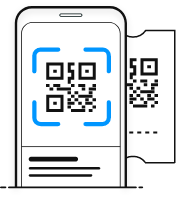
Allow attendees to enter in your events by scanning tickets using their mobiles and get detailed data on the app dashboard.

Offer your attendees multiple payment gateways to pay for the tickets through woocommerce.
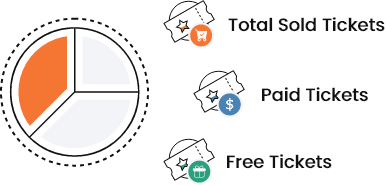
Get a clear picture of the number of tickets sold including each type of ticket sold.
Remarkably increase your business revenue by seamlessly selling and managing your event tickets.
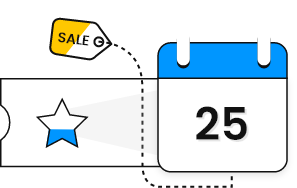
Let your attendees know about the price structure of the event, ticket limits and the time duration of the ticket sales through the ticket information block.
Charge a certain amount to your organizers on each ticket sold.
Interface
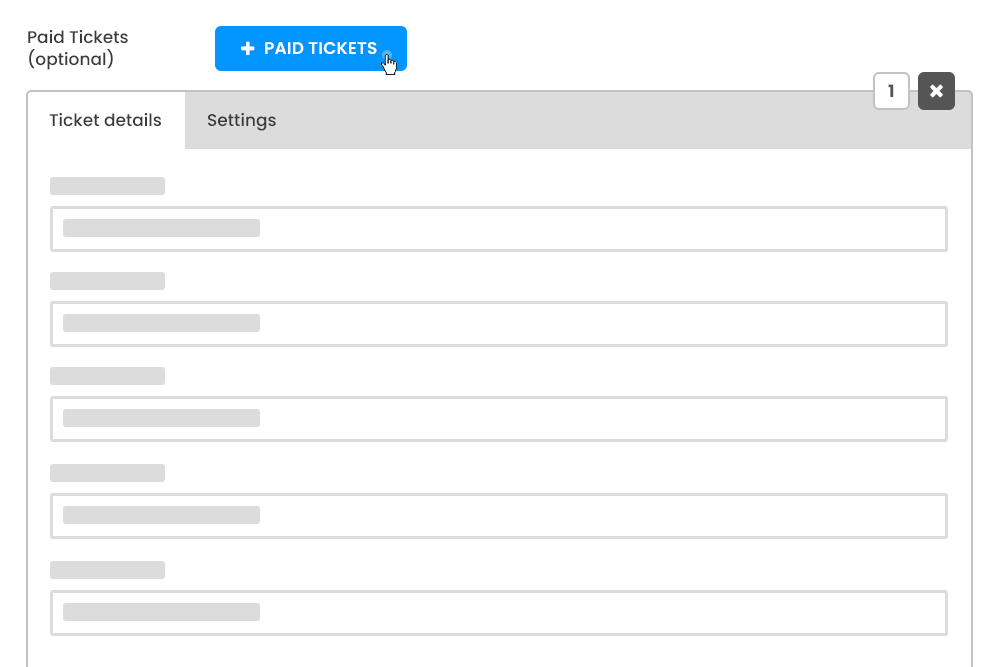
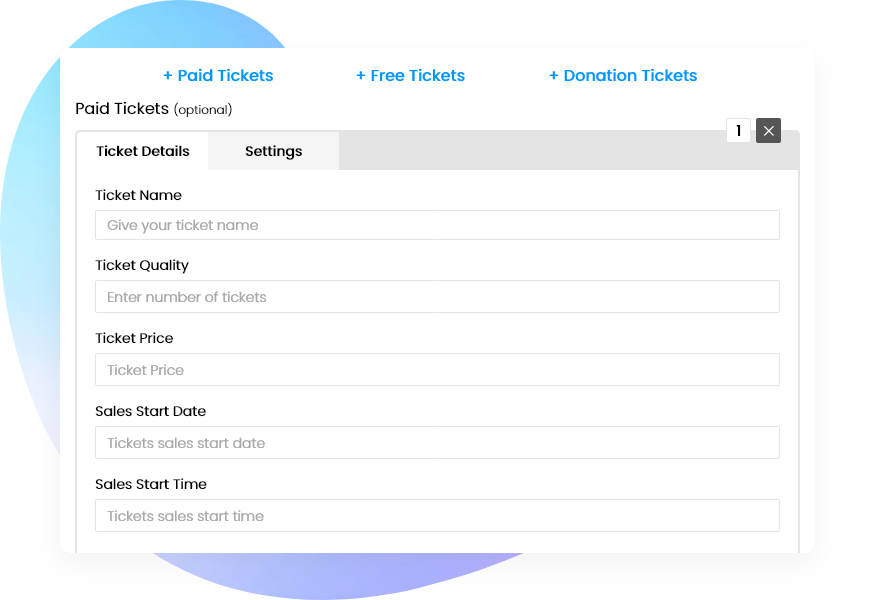
Add New Paid Ticket
This add-on provides an option for event organizers to quickly sell their tickets without setting up anything extra. Generate revenue on your website by letting your buyers to buy the tickets in advance.
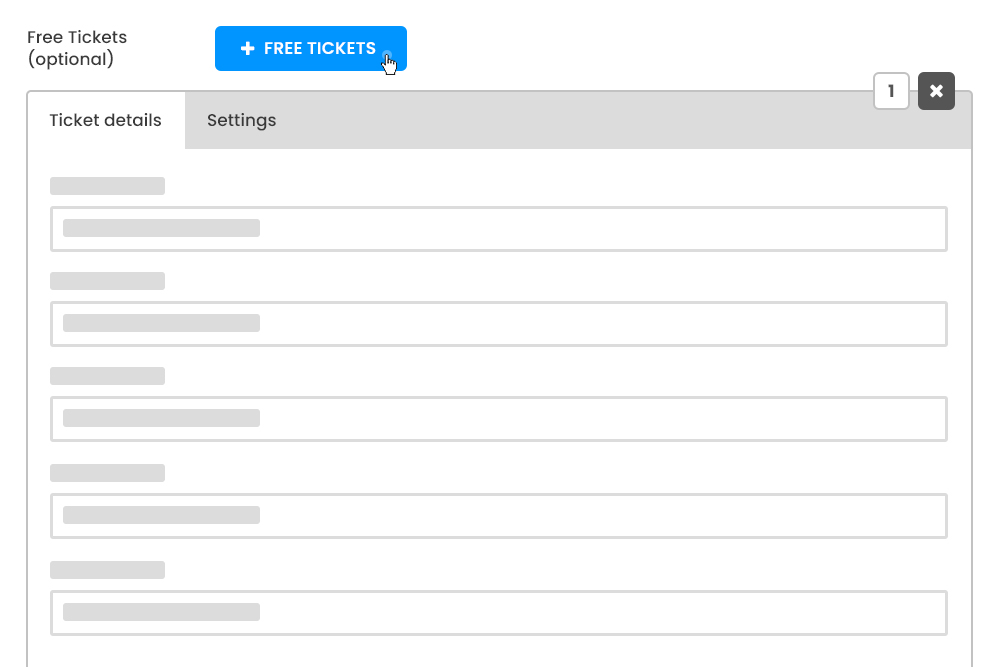
Add New Free Ticket
Selling Free tickets online enables an organizer to know about the response of the event excitement. Free tickets can also be sold on the website.
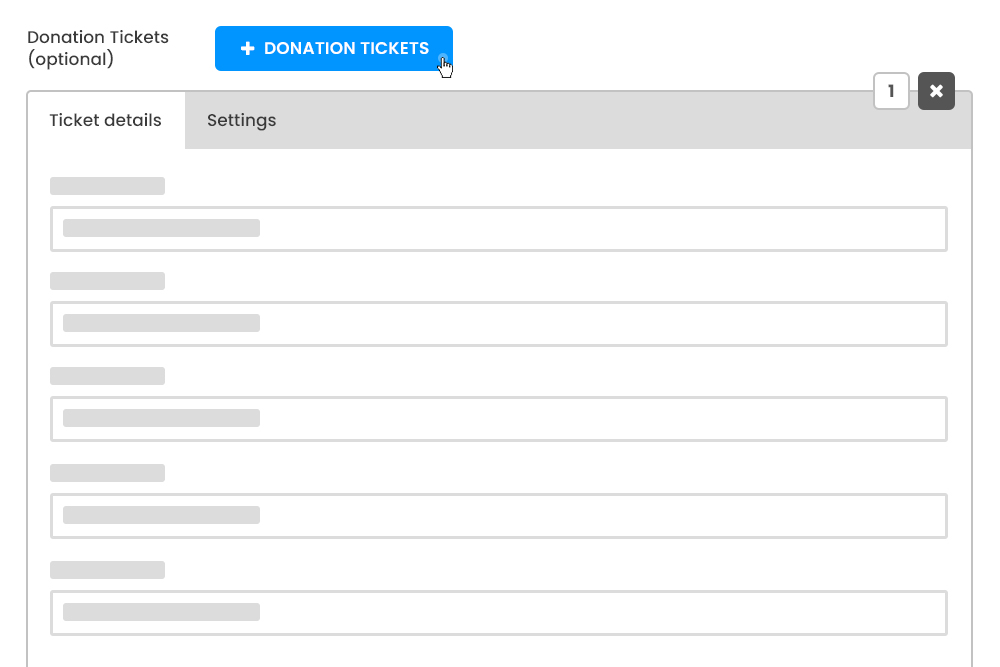
Add New Donation Ticket
Tickets selling for charity or crowdfunding events can be also organized with the help of this plugin. You can sell the tickets online with a unique descriptive name.
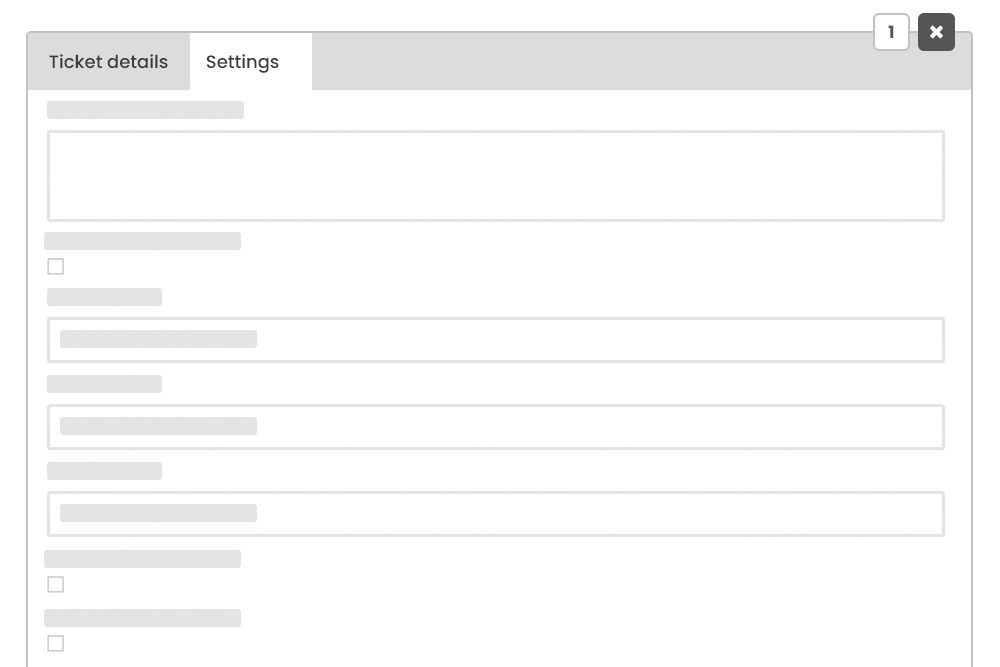
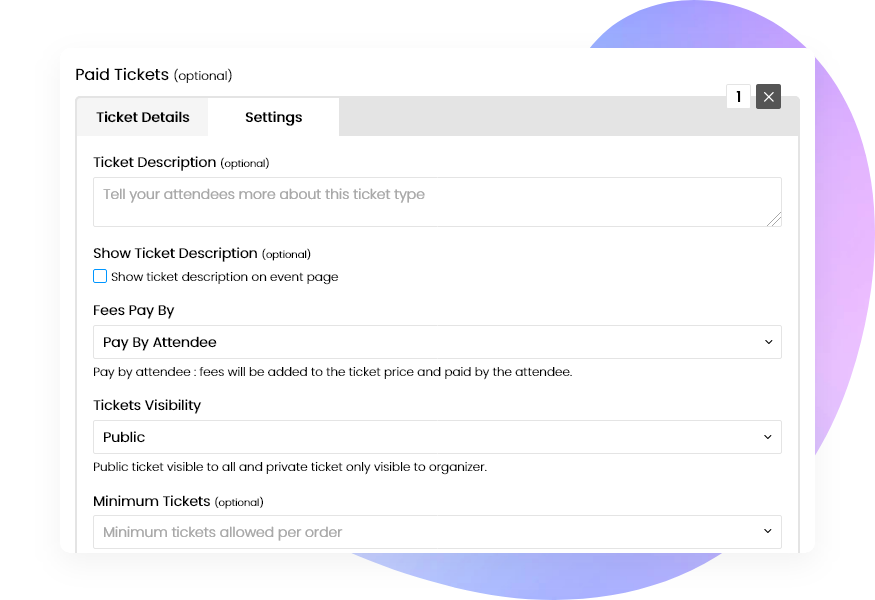
Ticket Settings
Ticket Settings contains different functions that can modify the ticket selling forms and multiple features appear on the website. There are a variety of options for you to test and use these settings, some of which include; fees to be paid by, minimum/ maximum tickets per order, etc.
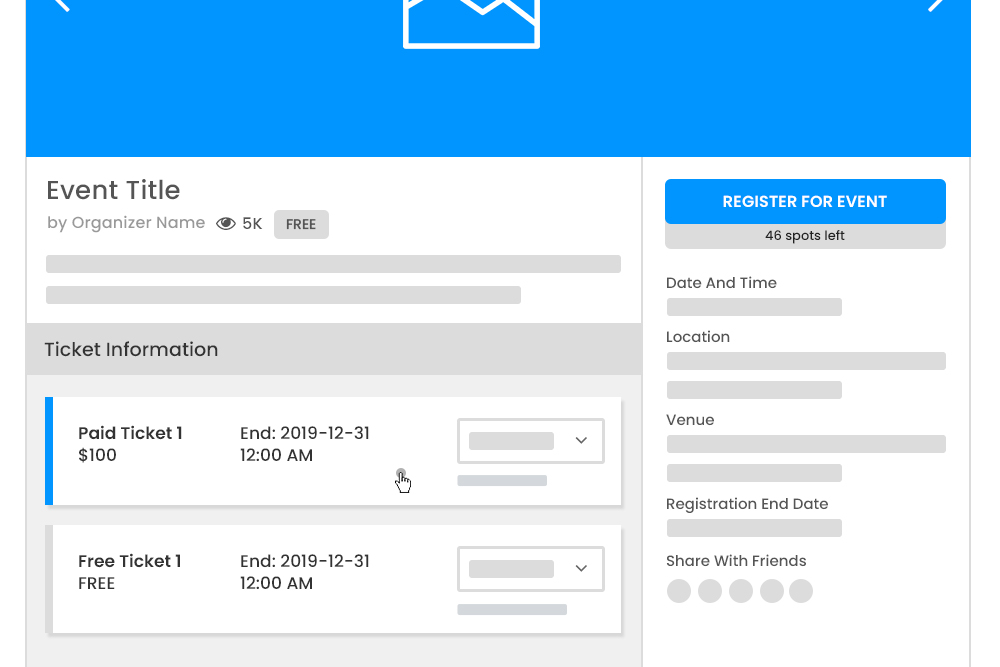
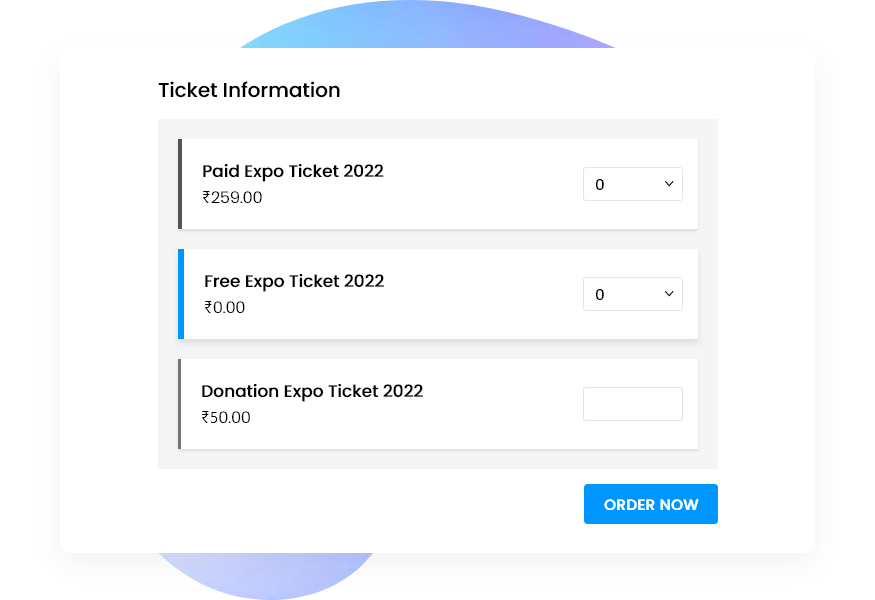
Ticket Information Block at Single Event Page
The ticket information block is a table that displays the price model for the event, the start and end date for ticket sales as well as the number of tickets that can be bought for the event. Visitors can easily choose the desired number of tickets and buy using the button present below.
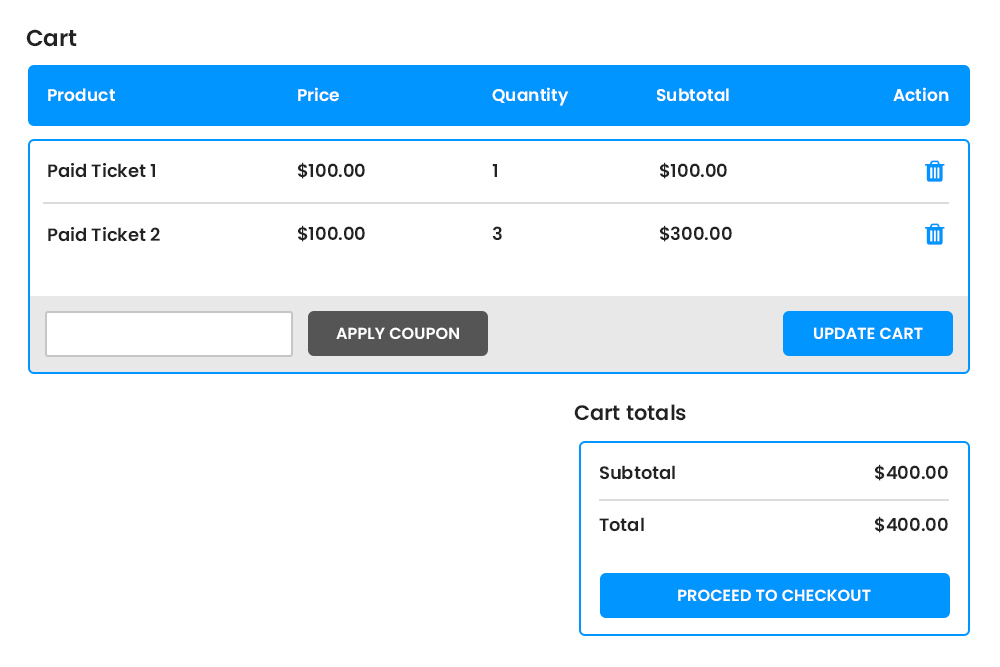
Order Summary
The add-on ensures the creation of the purchase record and ticket generation is done right without any effort. Whenever a customer purchases a ticket, a purchase record is created automatically. The ticket add-on places the order in front of you for approval. Instantly, on your approval/ payment, tickets are promptly emailed to your customer.
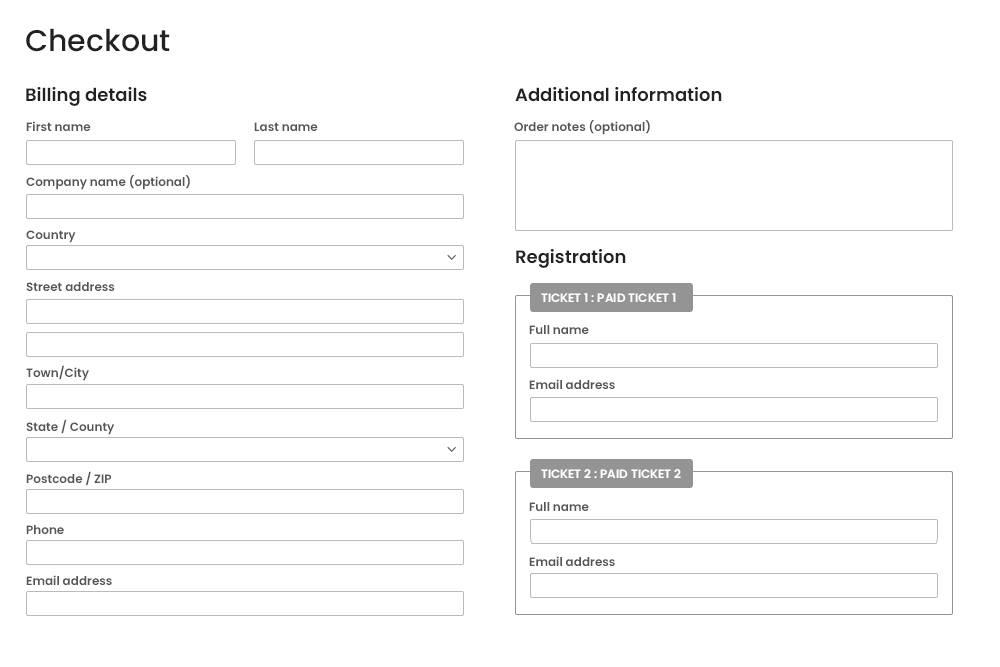
Ticket Registration Fields
The plugin enables the registration of all the attendees at the time of purchasing the tickets. Registration fields can be customized as per the events. It allows users to set a buyer only information option at the time of event submission, prior to which no matter how many tickets are bought, it will ask just once, the information of the buyer irrespective of ticket quantity or more than one attendee.
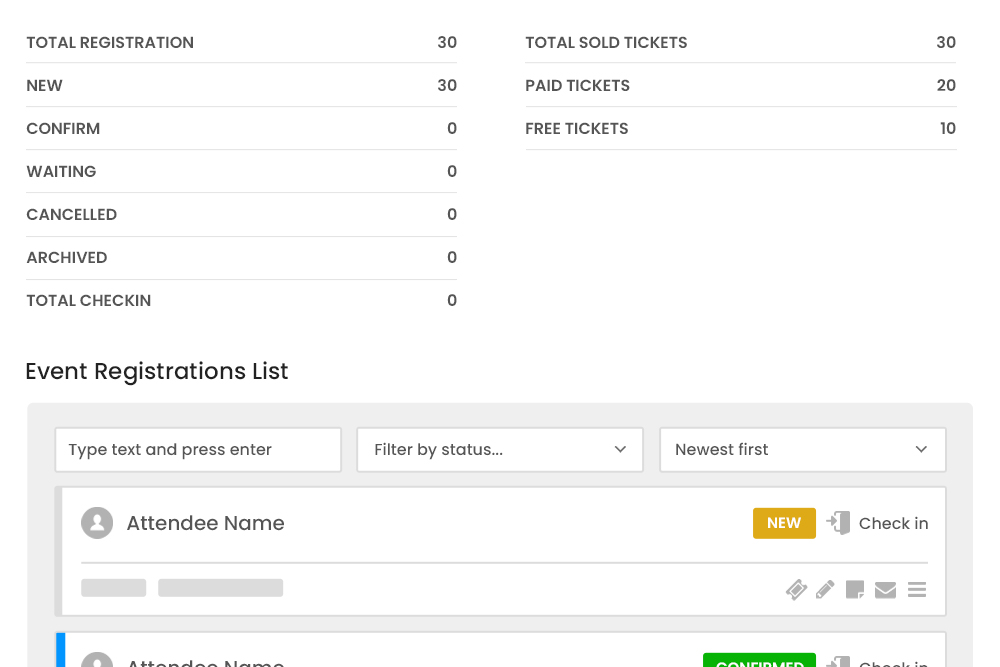
Registered User Information at Registration Dashboard
The registration dashboard shows all detailed information about the registered user.
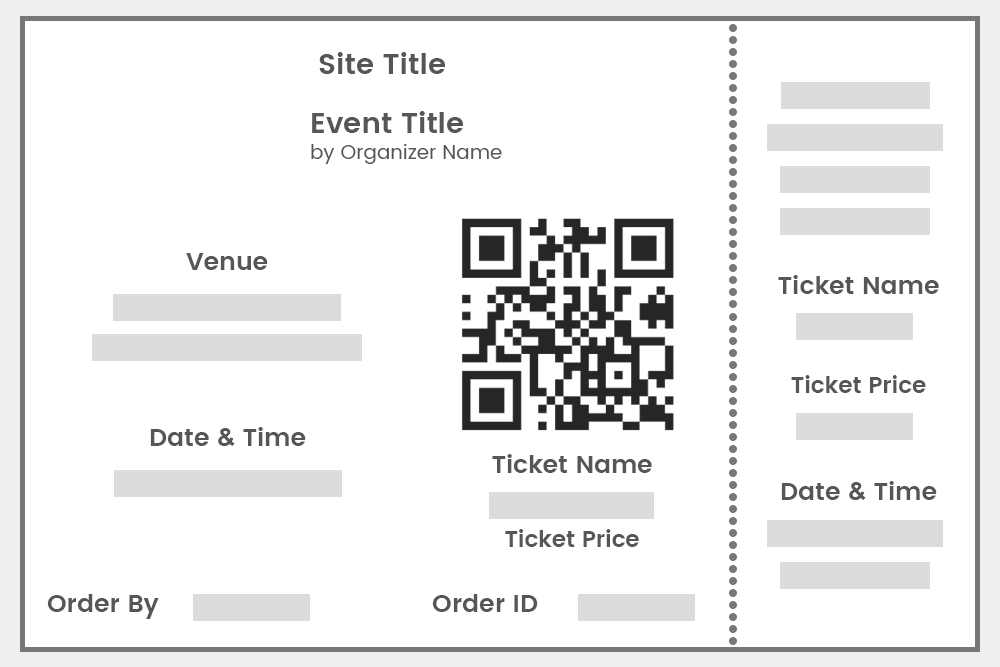
Download Ticket as PDF
The plugin offers the organisers ease of managing the events by helping them to sell tickets directly on the website as well as to send tickets (PDF format) to attendees via email.
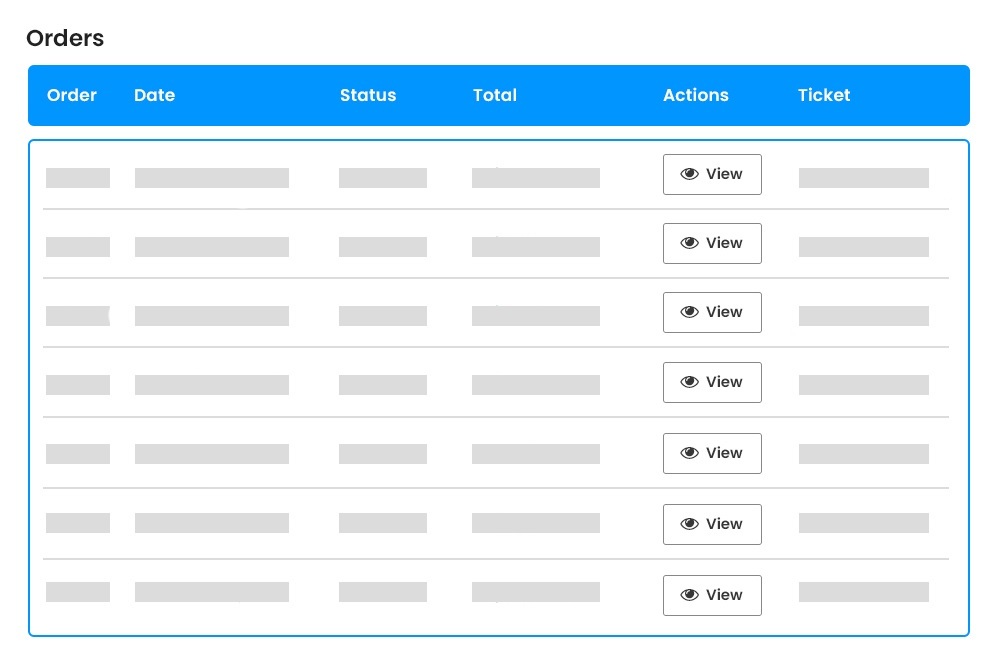
Order Management
Does It become really difficult to manage so many invoices for various events on your website? Leave it on us. The Plugin helps in managing the invoices on the backend easily.
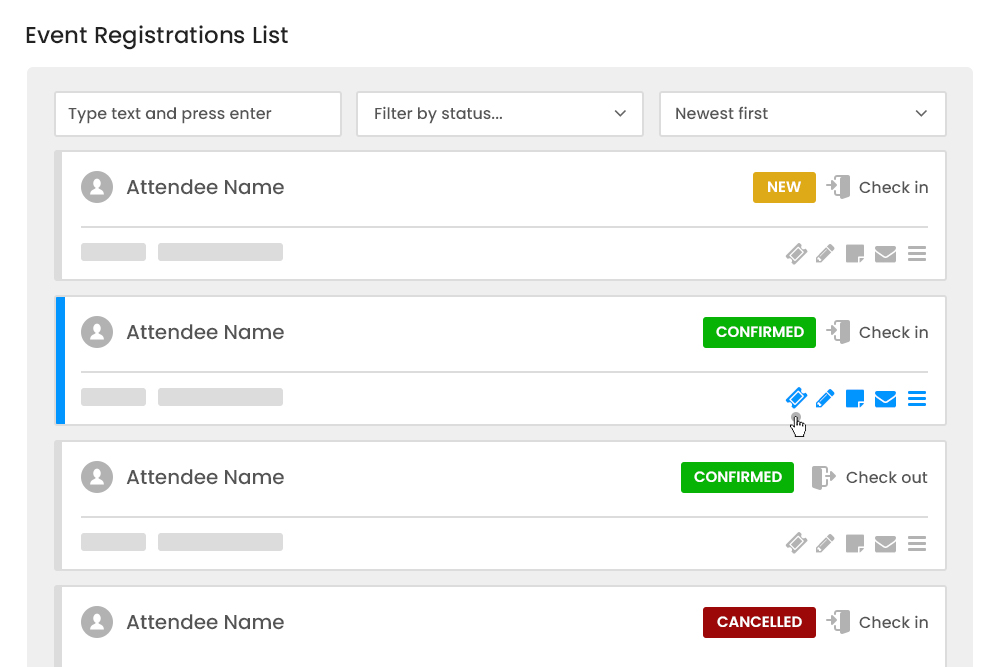
Download Ticket PDF at Registration Dashboard (for organizers)
The registration dashboard allows the organizer to download tickets of any attendee. The ticket is downloadable in a PDF format and can be easily sent to the attendee via EMail.
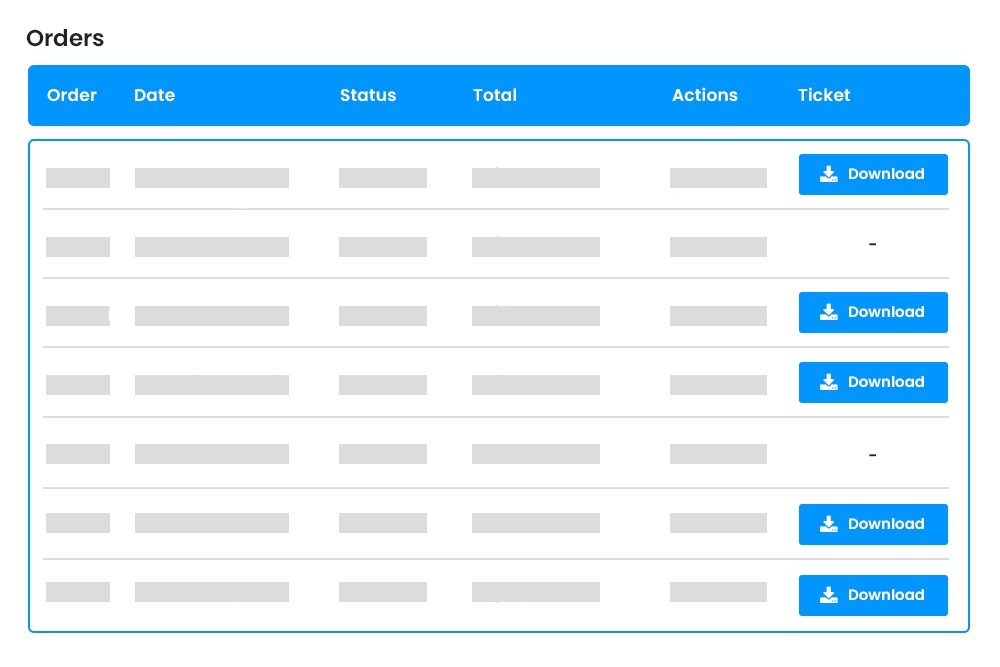
Download Ticket for Attendee(User)
Attendees can download their tickets from my account page, as provided by Woocommerce. Users can navigate to an order table where there is a download link.
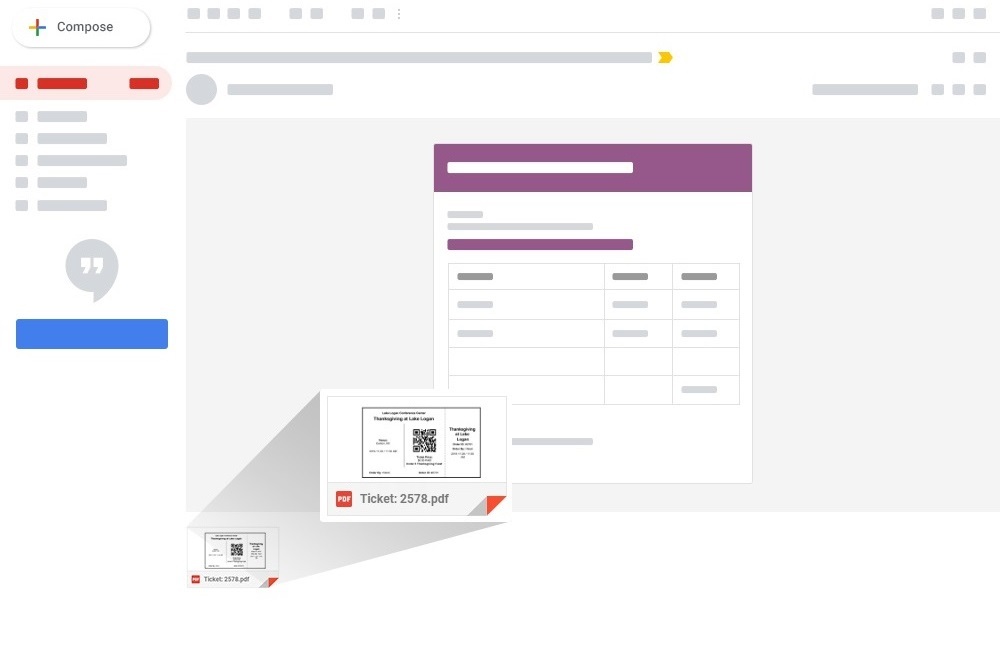
Attach E-ticket in Email
We provide a personalized experience to your attendees at all touchpoints as possible. Here, the tickets are sent to the registered email ids.
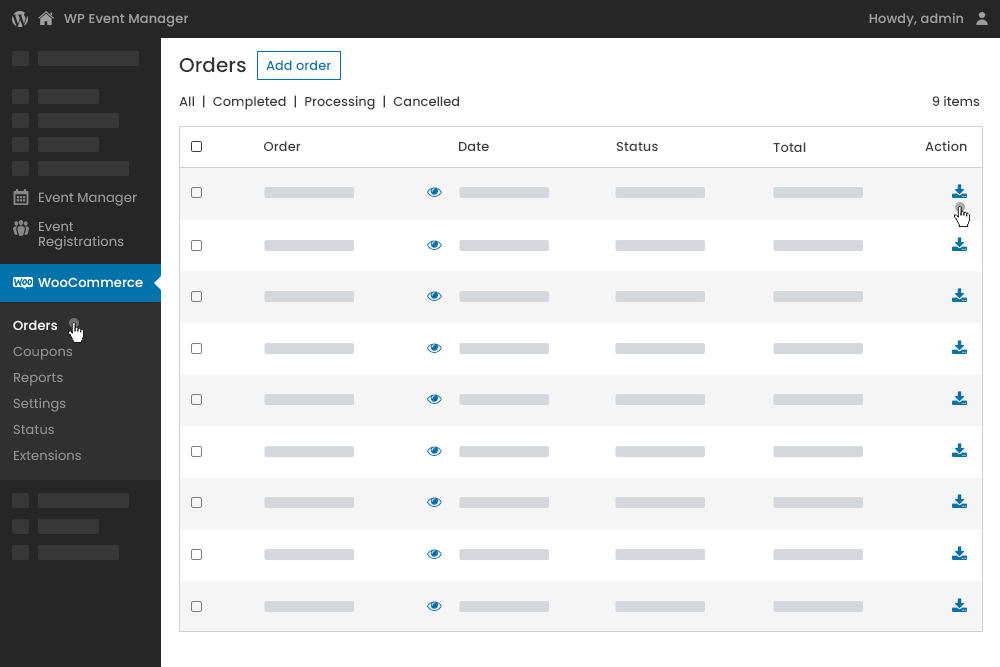
Download Ticket at Admin Panel
Admin can also download tickets at the backend from the orders page. As an admin, you can show a diligent customer first attitude by personally sending their tickets to the registered users. The tickets can be downloaded from the order page present under the WooCommerce tab.
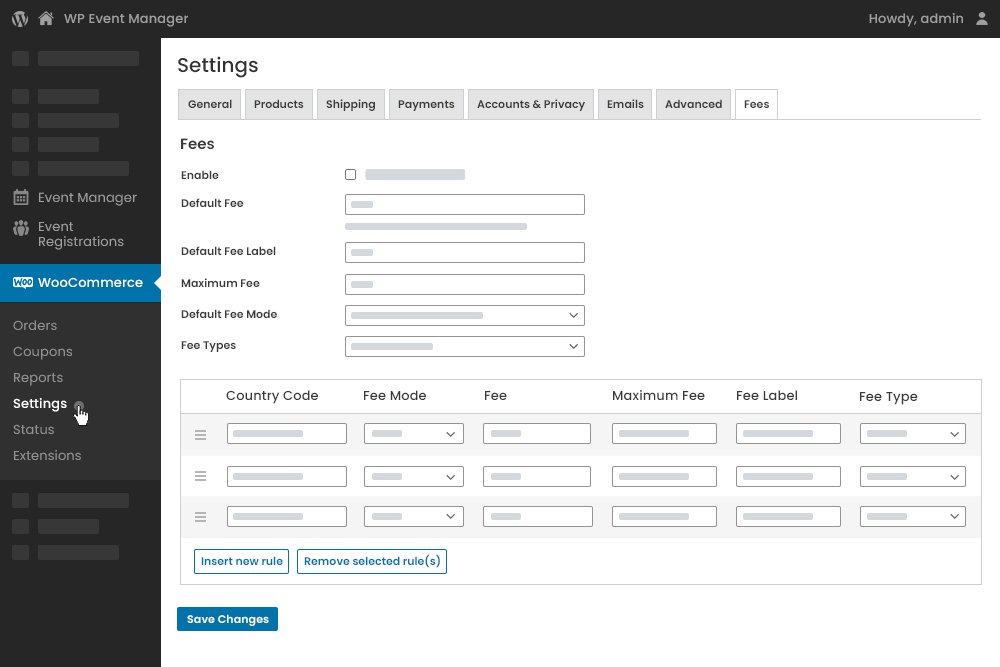
Ticket Fees Settings at Admin Panel
A good customer experience while buying tickets is vital. Any itch and pain in this area would make the customer bounce off the website without buying from you. A certain amount of processing fee is charged from the customers when they are managing a lot of events. Now for this, the ticket fee setting under the WooCommerce settings comes to your rescue. The settings enable processing fee and allow you to set the default and maximum fee for tickets. Another useful feature is you can set the rules for fees. The rules you set will be based on country location and fee modes like fee per ticket or fee per order Or fee type like the fixed fee Or percentage according to scale of your business goals.
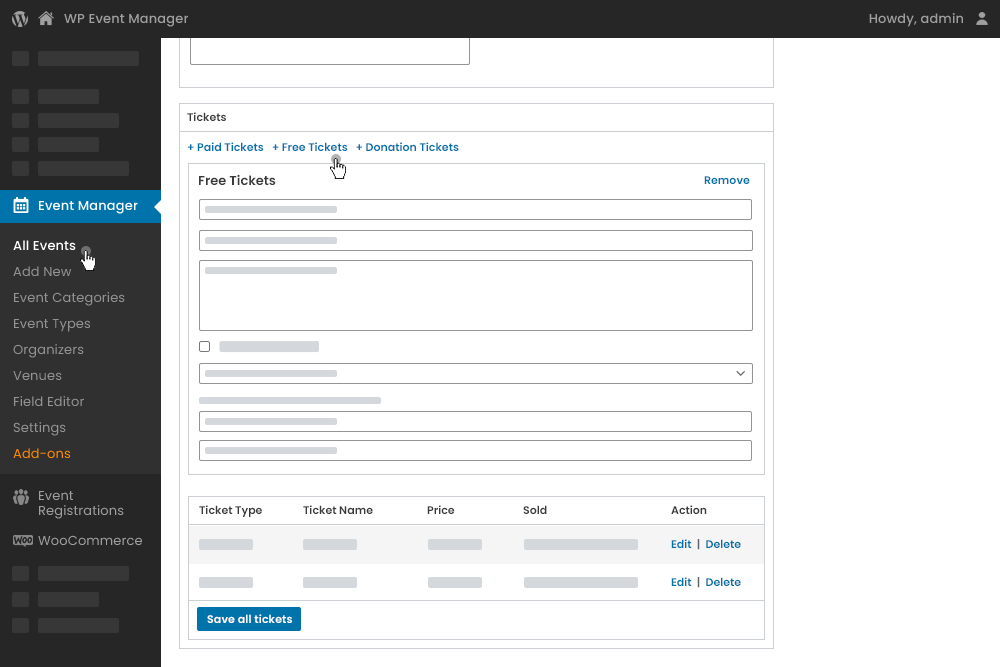
Manage Tickets at Admin Panel
Like all our end to end event management add-ons, you can manage event tickets from the backend of the admin panel. The admin panel allows the admin to add new tickets for an event or even edit or delete the existing tickets using this plugin.
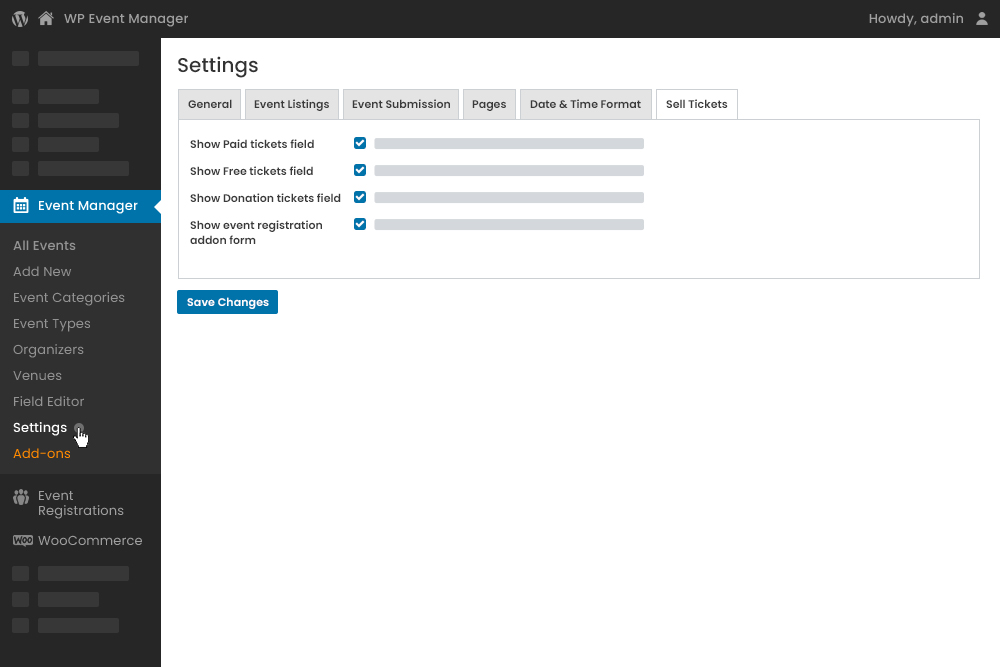
Sell Tickets Settings at Admin Panel
The sell ticket settings under the event listing settings, help you change certain fundamental but important aspects of the ticket selling form. It enables the admin to show which fields need to appear on the event listing page. For example, Show/Hide Paid tickets field, or Show/Hide free tickets field, etc.
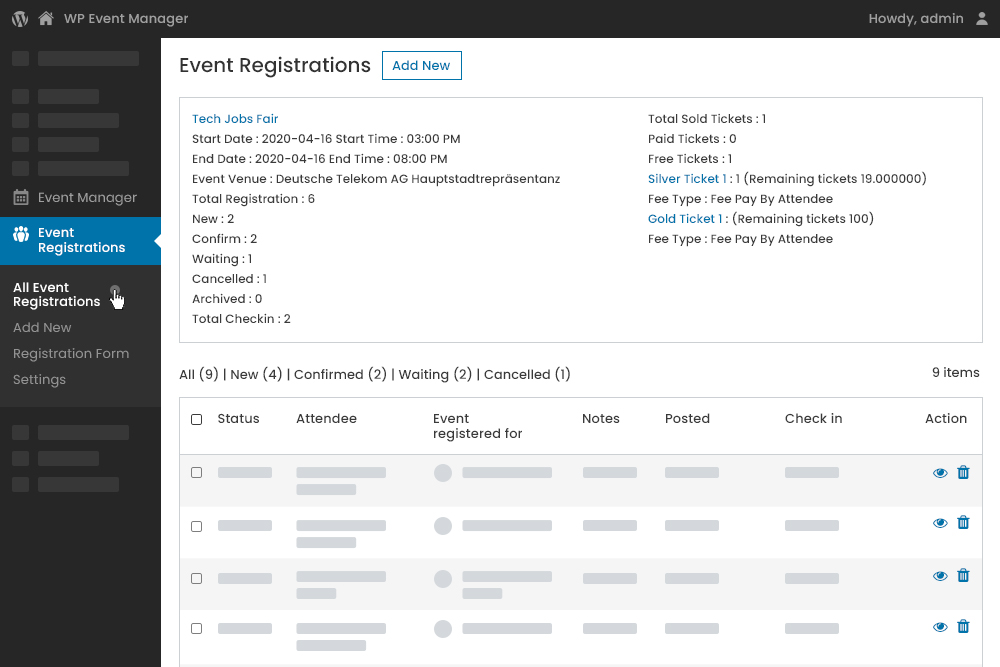
Tickets Overview Details at Registration at Admin Panel
The Event Registration Dashboard at the backend emulates the functions and features of the event attendee dashboard at the front end. At the backend, this is the most important dashboard related to managing event attendees as it helps in identifying the number of tickets sold, users registered, etc. Thus, the backend dashboard helps you be a dependable helping hand when the event organizer needs you to manage their attendee for them.
How Do Licence Keys Work?
After purchasing a plugin you’ll receive a key via email (or you can visit your account page). This key can be activated from your WordPress dashboard’s plugin page. It can also be deactivated and reactivated on other sites when required.
Will I Receive Updates For Purchased Plugins?
Yes, an automatic updater is included inside each plugin/add-on. This requires your licence key to function and you’ll receive updates for as long as your licence key is valid.
Do You Offer Support For Purchased Plugins If I Need Help?
Yep. If you have a valid licence you’ll be able to use our support systems for help.
Do I Need To Renew My License?
If you want to continue support and update then you need to renew license.Licenses are valid for one year from the date of purchase. When your license expires you’ll be able to renew your key via your account page.
Am I Allowed To Use The Add-ons On Many Sites?
After purchasing a plugin you’ll receive a key via email (or you can visit your account page). This key can be activated from your WordPress dashboard’s plugin page. It can also be deactivated and reactivated on other sites when required.


